
- Home
- Products
- Sound Tech and PA
- Sound Tech Course
- Free Tech Resources
- Free Sound Tech Lessons
- Playing By Ear
- Play By Ear Course
- Ear Training & Music Theory Resources
- Worship Leading
- Worship Leading Course
- Free Worship Leader Training
- Free Worship Leader Resources
- Band Skills Course
- Free Worship Team Training
- Free Worship Team Resources
- Subscription
- Blog
- Contact
- About
- Search
Improving Your Projected Song Lyrics – Part 3
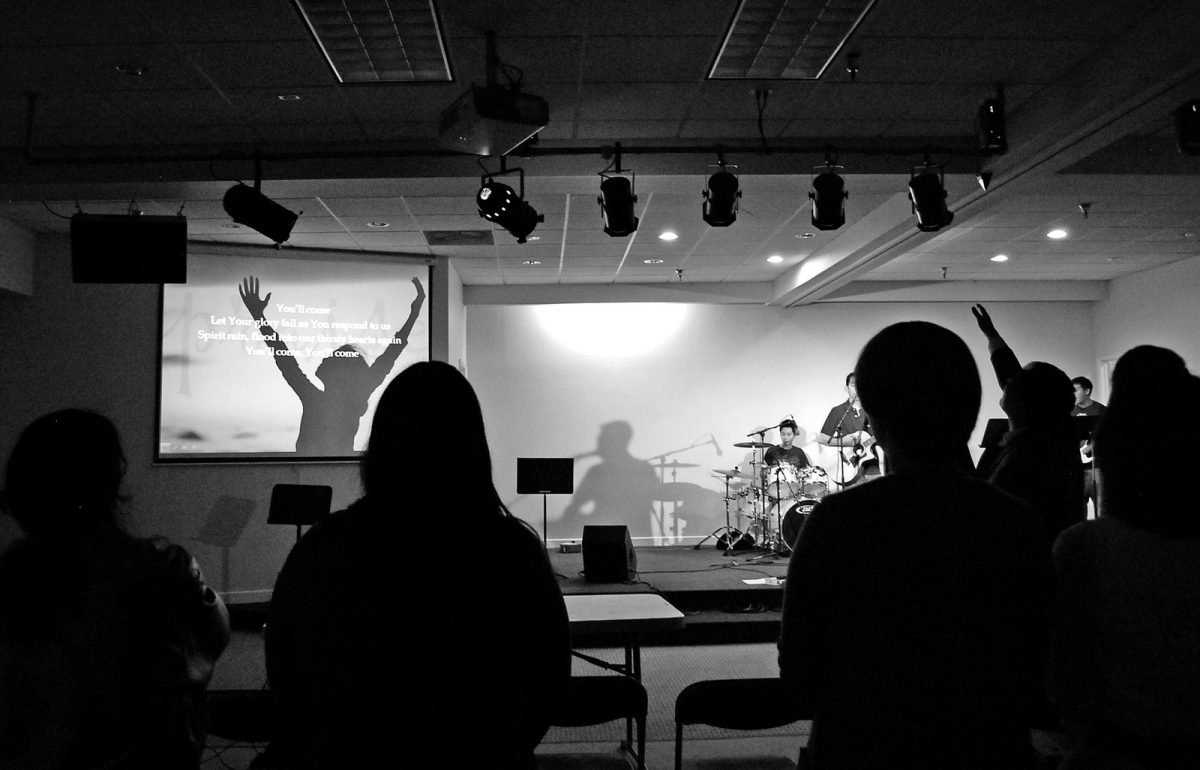
In the last two posts on improving your projected song lyrics (part one; part two), I dealt with many design issues. Today, we will look at the operation of the slide show.
Timing of the Slides
It is of utmost importance for the person running the presentation to always be very aware of what is happening in worship. When it comes to displaying lyrics, it is crucial that the slides are changed BEFORE the words are to be sung.I often see operators trying to time the words such that they appear on screen just as they are to be sung. If they appear at that moment or any later, they are TOO LATE. Singers must see the words BEFORE they need to sing them. If the song is moving along at a fast tempo, you will need to move to the next slide before the current slide is completed. Note that people are always reading ahead, and they have to do this in order to sing the correct word on time.
What works best is for the operator to be thoroughly knowledgeable of the song so that words don’t appear too early, for instance during an instrumental bridge, but that they never appear “just on time” or late. If you notice people in the congregation continually stumbling on or not singing the first words of slides, you should know that you are changing the slide too late. Always err toward being too early–too late is not acceptable.
Transitions
Don’t get cutesy with the transitions between slides. Just because PowerPoint or other presentation software can make spectacular Star Wars-like special effect transitions doesn’t mean you should use them in worship. Here’s an example of a bad presentation:
Stick with quick fade-type transitions set to no more than 0.5 seconds. The fade time may have to be adjusted down for really fast songs or may be adjusted up some for really slow songs. Realize that the fade time should be taken into consideration when timing your slide changes since the transition adds time to the change. Here is a much better example of transitions between slides using a simple fade:
Add a Final Slide
If you are using PowerPoint for your presentations, always include a final blank slide. This will provide a cushion, preventing your slide show from inadvertently exiting if the operator advances the slide beyond the final slide that is actually needed. Depending upon how you run your monitors, the exiting of the program can be quite embarrassing as well as distracting if your desktop with the PowerPoint program suddenly appears on screen.
Here’s what I mean about a potentially embarrassing situation:
Single or Dual Monitors
I suggest you run your presentation software in dual monitor mode. You will need to set this up in your computer setup as well as the slide show set up in PowerPoint. Let your desktop extend to the second monitor–do not select mirror displays. This way you can use the presenter view to control your presentation, and you will have much better control of what actually appears on the main screen.
Kenny Lamm, senior consultant for worship and music for the Baptist State Convention of North Carolina, is a frequent worship conference leader with a strong focus on equipping leaders in North Carolina (USA) and Southeast Asia. His blog, Renewing Worship, features posts that explore ways to renew–impart new life and vigor to–the worship in the local church.
 My Favourite Guitars and a Recommendation for a Great New Buy Today from Fender
  How to get maximum exposure for your song writing
  8 ideas to encourage more participation in worship
  Streaming your worship services legally | Everything you need to know
  Streaming online church services: the tech, the tips and the stories from around the world
  What do you most struggle with as a worship musician?
  Worship Leader Training: Beginning and Ending Songs Well
  Learn how to play by ear
  4 tips for making good use of your mic

